

ERPNext v16 brings major improvements to manufacturing planning, multi-company finance, inventory batch control, and payroll processing. But is upgrading from v15 actually worth the time and risk? Here’s what changed and who truly benefits.

ERPNext v16 was released on December 6, 2025, at Frappeverse Egypt, following a beta that started on November 15, 2025. If you're running v15 or earlier, you're probably wondering: is this upgrade actually worth it?
Here's the reality. Every ERP upgrade comes with risk. Downtime. Testing. Retraining staff. And that nagging question of whether the new features solve problems you actually have, or look good in release notes.
I've walked through this upgrade with manufacturing companies, multi-entity service businesses, and distribution operations. Some saw immediate benefits. Others could have waited. The difference? Knowing which v16 features match your specific pain points.
This guide covers what actually changed in ERPNext v16, who benefits most, and whether upgrading makes sense for your operation right now.
.jpeg)
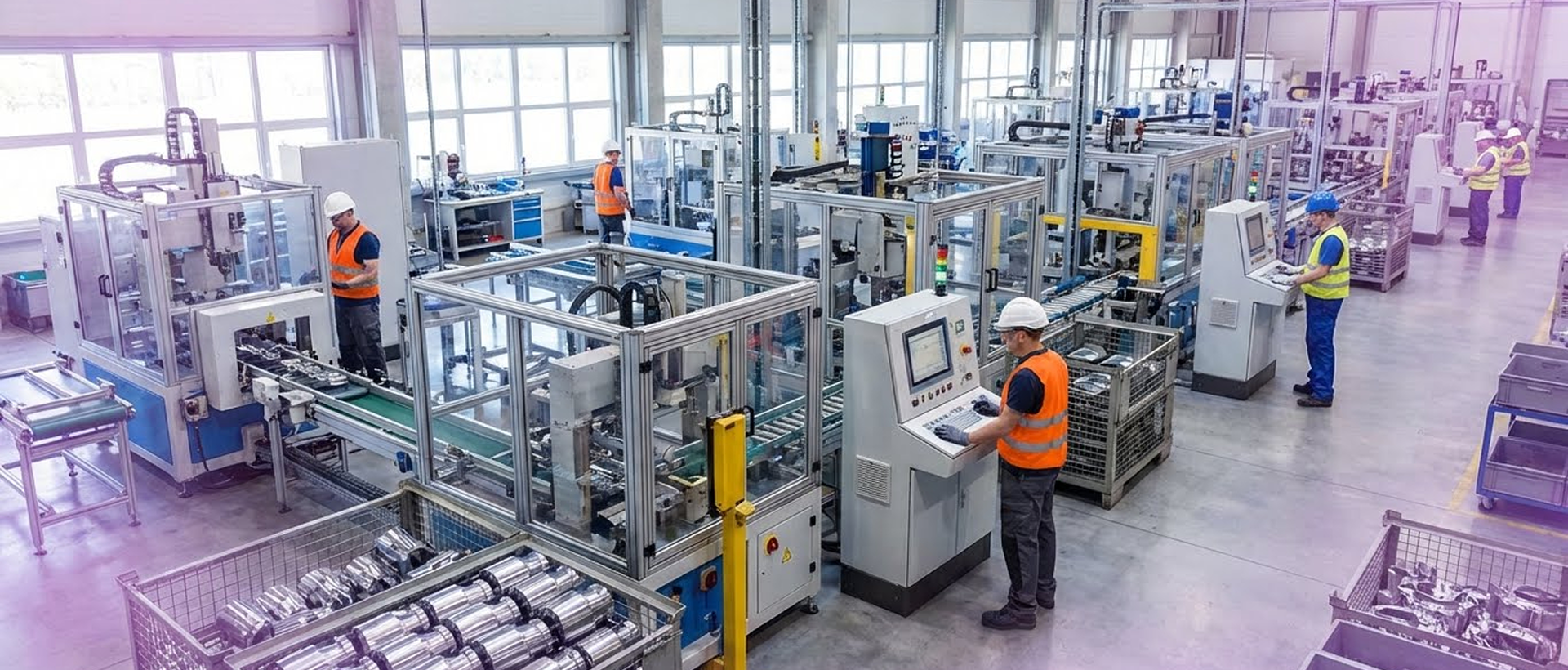
The MRP engine in v15 had a problem. Give it a complex bill of materials (say, a finished product with subassemblies that themselves have components), and it would choke. You'd run planning, get a material requirements list, then spend two hours manually fixing it.
V16 fixes this with a redesigned MRP workflow. It now handles multi-level BOMs properly, accounts for lead times at each level, and flags shortages before they become emergency purchase orders. The planning calculation is faster, too. What took 10 minutes in v15 runs in under 2 minutes for most mid-sized manufacturers.
Real impact: A Kerala-based electrical equipment manufacturer with 8-level BOMs reduced its MRP planning time from 45 minutes to under 3 minutes. Their production team stopped maintaining separate Excel trackers for material requirements.
.jpeg)
The subcontracting changes matter if you send work outside. Previous versions made you track materials sent to vendors through workarounds. V16 adds proper inward subcontracting support. You can see what raw materials you sent, what's sitting at the vendor's facility, and what came back, all in one place. Stock reservations prevent the "sorry, we already allocated that material" problem.
Job Cards got smarter about production stages. Your team can mark operations as partially complete, which helps when jobs span multiple shifts or days. Quality checks trigger at the right points, not just at the end.
If your manufacturing setup is simple (single-level BOMs, no subcontractors, straightforward production), these changes won't transform your operation. But if you're managing complexity, ERPNext v16 removes the friction you've been working around.
Here's where ERPNext v16 shines if you operate multiple legal entities. You know the drill. Month-end comes, you export trial balances from three different companies, paste them into Excel, manually eliminate intercompany transactions, fix currency conversions, and finally produce a consolidated P&L. It takes a day, sometimes two.
V16 introduces the Consolidated Trial Balance feature. Pick your companies, set your elimination rules, and the system generates group-level financial statements. It handles currency conversions automatically and maintains drill-down capability, so when your CFO asks, "Where did this number come from," you can click through to source transactions.
Real impact: A service company group managing four legal entities cut their month-end consolidation from 12 hours to 90 minutes. Their finance team now spends time analyzing numbers instead of reconciling spreadsheets.
The Custom Financial Reports builder gives you more control over report formats. Want to show gross margin by product line and territory? You can build that without writing code. Cost center tracking got more granular. The budgeting system now tracks costs across cost centers and projects, providing better visibility. Service companies billing clients based on resource usage finally have clearer data. Manufacturers can track overhead by department or production line.
And yes, the general ledger is faster. Posting 500 payment entries no longer freezes the system. Your month-end close process got 30% to 40% quicker. Who needs this? CFOs managing holding company structures, finance managers tired of spreadsheet gymnastics, and anyone running a multi-entity operation where consolidation is currently manual.
.jpeg)
Distribution and manufacturing companies constantly deal with batch tracking. Medical supplies with expiry dates. Electronics with warranty periods. Food products with shelf life restrictions.
The problem in v15? You could track batches, but you couldn't reserve specific batches for sales orders. So you'd promise a customer batch A (with a good expiry date), but by the time shipping picked up the order, batch A was gone. It was allocated to someone else's order.
ERPNext v16 adds batch-level stock reservations. When you confirm a sales order, you can lock specific batch numbers. Warehouse teams see exactly what's reserved versus what's available. The new traceability reports show batch movement from receipt through dispatch.
Putaway suggestions improved, too. When goods arrive, the system recommends storage locations based on item type and warehouse zones. Stock reconciliation (that quarterly nightmare where you adjust system quantities to match physical counts) now has better controls.
The benefit: fewer customer complaints about wrong batches, less time searching for inventory, and better compliance if you're in regulated industries.
.jpeg)
Most HR teams don't fully trust their ERP's payroll calculation. They run it, export to Excel, verify manually, find discrepancies, fix them, then process. Every single month.
ERPNext v16's payroll module (via Frappe HRMS) handles complex salary structures more effectively. If you have employees with basic pay, housing allowance, transport allowance, and variable incentives, minus tax deductions, the calculation engine finally gets the dependencies right.
New capabilities include overtime calculations based on hours worked beyond standard shifts, arrears processing when salary changes apply retroactively, and multi-currency expense claims for companies with international operations.
Leave encashment rules work properly now. When someone joins mid-month, proration is automatically applied. The expense claim workflow supports multi-level approvals based on amount thresholds or employee grades.
Practical impact: Your HR team stops maintaining verification spreadsheets. Month-end payroll processing gets faster. Fewer employee complaints about calculation errors.
.jpeg)
Not everyone needs v16 right now. Upgrade if you manually consolidate reports across multiple companies every month, your manufacturing uses subcontractors or multi-level BOMs regularly, batch tracking issues are causing customer service problems, you're on v13 or earlier, or you're planning major customizations anyway.
Wait, if you're on v15 and things work fine, you have heavy customizations that need testing first, your team is in the middle of busy season, or you don't have a staging environment to test the upgrade.
The ERPNext v16 upgrade typically takes 2 to 4 weeks for a mid-sized implementation. That includes backing up data, testing customizations, training users, and resolving issues that arise.
ERPNext v16 is the latest major release of the open-source ERP platform, launched December 6, 2025, at Frappeverse Egypt. It focuses on manufacturing MRP improvements, multi-company financial reporting, inventory batch tracking, and payroll processing enhancements.
Upgrade during your slow business season if you have multi-company reporting needs, complex manufacturing BOMs, or batch tracking issues. Wait if you're on v15 with minimal problems and have extensive customizations that need testing.
Probably not. ERPNext v16 runs on a similar infrastructure to v15. You'll need Python 3.11 and the latest version of the Frappe framework, but most hosting providers automatically update them.
Some will need updates, especially if they touch manufacturing or accounting modules. Testing in a staging environment isn't optional. It's required.
Technically, yes, but it's riskier. You're jumping three major versions, which means more breaking changes to review. Expect extra testing time.
This is why you need a rollback plan. Keep your v15 database backup and server snapshot. If v16 has critical issues, you can roll back while you fix them.
ERPNext v16 solves specific problems: multi-company reporting, manufacturing planning accuracy, batch tracking control, and payroll calculation complexity.
It's not a must-upgrade-immediately release. It's a "does this fix problems I currently have?" release.
If you're manually consolidating financials, fighting MRP inaccuracies, or dealing with batch-tracking headaches, ERPNext v16 removes the friction you're working around today. The upgrade makes sense.
If you're on v15 and things run smoothly, you can wait. Focus on whether v16 features solve business problems, not whether you have the latest version number.
Innogenio supports organizations evaluating ERPNext upgrades, including readiness assessment, customization reviews, and migration planning across manufacturing, distribution, and service environments. If you're trying to decide whether ERPNext v16 makes sense for your setup, let's walk through your specific situation.
.svg)
we partner with ambitious teams to solve real problems, ship better products, and drive lasting results.
Read more Case Studies & Insights

.png)